
8 Best Futures Trading Platforms in 2026
A futures trading platform is used for charting, order flow analysis, and placing orders with your broker. If you choose the wrong platform, you might waste money on tools you don't use or miss out on essential data. On this page, we compare the best platforms to use for futures trading in 2026.
TL;DR
ATAS is the best futures trading platform for volume- or order flow-based strategies. You can use footprint charts, Smart DOM, liquidity heatmaps, and risk management in one place.
Bookmap is great for heatmap reading, Sierra Chart has low fixed costs, while Jigsaw Trading is a good pick for DOM scalp trading. GoCharting is a browser-based option; NinjaTrader and Tradovate include a brokerage, and Quantower can handle dozens of connections.

Know when your
coins move
Alerts, real-time prices, and market news — all in one app
 Point your phone camera to install
 4.8 based on 40K reviews in the App Store and Google Play


How We Reviewed These Futures Trading Platforms
We looked at each platform's website, pricing page, and help center. We ranked them based on the following criteria:
- Futures Integration: What brokers, data feeds, and prop firm accounts are supported.
- Depth of analysis and order flow tools: Footprint charts, DOM, tape, liquidity heatmap, volume profiles, and replay.
- Order entry and risk management: Chart and/or DOM trading, bracket orders, stop losses, and multiple accounts.
- Cost: Licensing, data feeds, exchange, and commissions (if the broker is included).
- Accessibility: OS compatibility, web/mobile access, free tiers, and demos are available.
- Ease of use: How much setup is required to use them for real trading.
All figures are current as of November 2026.
Platform vs. Broker vs. Data Feed — What's the difference?
Futures trading is broken down into three different components, which can often be confusing when looking at costs. A platform may seem cheap, but when you factor in data feeds and brokers, it can become expensive.
- Platform: Software used to chart, view DOM, indicators, and place orders.
- Broker: A Futures Commission Merchant (FCM) or introducing broker who holds your account and margin and routes your orders to the exchange. Your order can be placed via your trading platform and executed through your broker.
- Data feed: Provides price and order book data. Often Rithmic, CQG, or dxFeed. Some exchanges, such as CME Group, will charge you a monthly fee for real-time data.
Some companies combine more than one component. NinjaTrader and Tradovate are brokerages offering their own platform. You only need one account. Sierra Chart offers its own data feed called Denali and order routing, while your account still sits with a clearing firm.
Most prop firm traders will have a Rithmic, CQG, or Tradovate credential provided by their firm. So you just need to find which platforms accept these credentials.
The Best Platforms to Trade Futures at a Glance
Here’s a summary of how the eight platforms compare on connectivity, supported systems, and entry pricing:
| Platform | Best for | Futures connections | Supported operating systems | Pricing* |
|---|---|---|---|---|
| ATAS | Order flow and volume analysis | 25+ connections, including Rithmic and CQG | Windows; ATAS X on Windows and macOS | Free plan available; Plus: €24.95/mo; real-time futures data on Pro: €69.95/mo. |
| Bookmap | Liquidity heatmap reading | Rithmic, CQG, dxFeed, BookmapData, Tradovate | Windows, macOS, web | Free; Global: $49/mo; direct futures trading on Global Plus: $99/mo. |
| Sierra Chart | Low fixed costs and custom studies | Denali feed, Teton routing, Rithmic, CQG, Interactive Brokers | Windows | Base Standard Sierra Chart: $26/mo; external connections from $36/mo (Package 10). |
| Jigsaw Trading | DOM and tape reading | CQG, Rithmic, StoneX, Tradovate, Interactive Brokers | Windows | $579 one-time; live broker trading adds $50/mo |
| GoCharting | Order flow charts in a browser | Rithmic, Tradovate, and other brokers | Web, iOS, Android | Free; CME Futures plan: $35/mo. |
| NinjaTrader | Broker and platform in one account | NinjaTrader brokerage | Windows desktop, web, mobile | Free plan with commissions; Monthly subscription: $99/mo. |
| Tradovate | Cloud access on any device | Tradovate brokerage | Browser, desktop, mobile | Free plan with commissions; Monthly subscription: $99/mo. |
| Quantower | Many brokers at once | 60+ connections, including Rithmic and CQG | Windows | Free; All-in-One: $70/mo. |
*Prices exclude taxes, exchange fees, and commissions. Information was sourced from the platforms’ websites (pricing pages, help centers, etc.) in November 2026.
1. ATAS: Best Overall for Order Flow and Volume Analysis
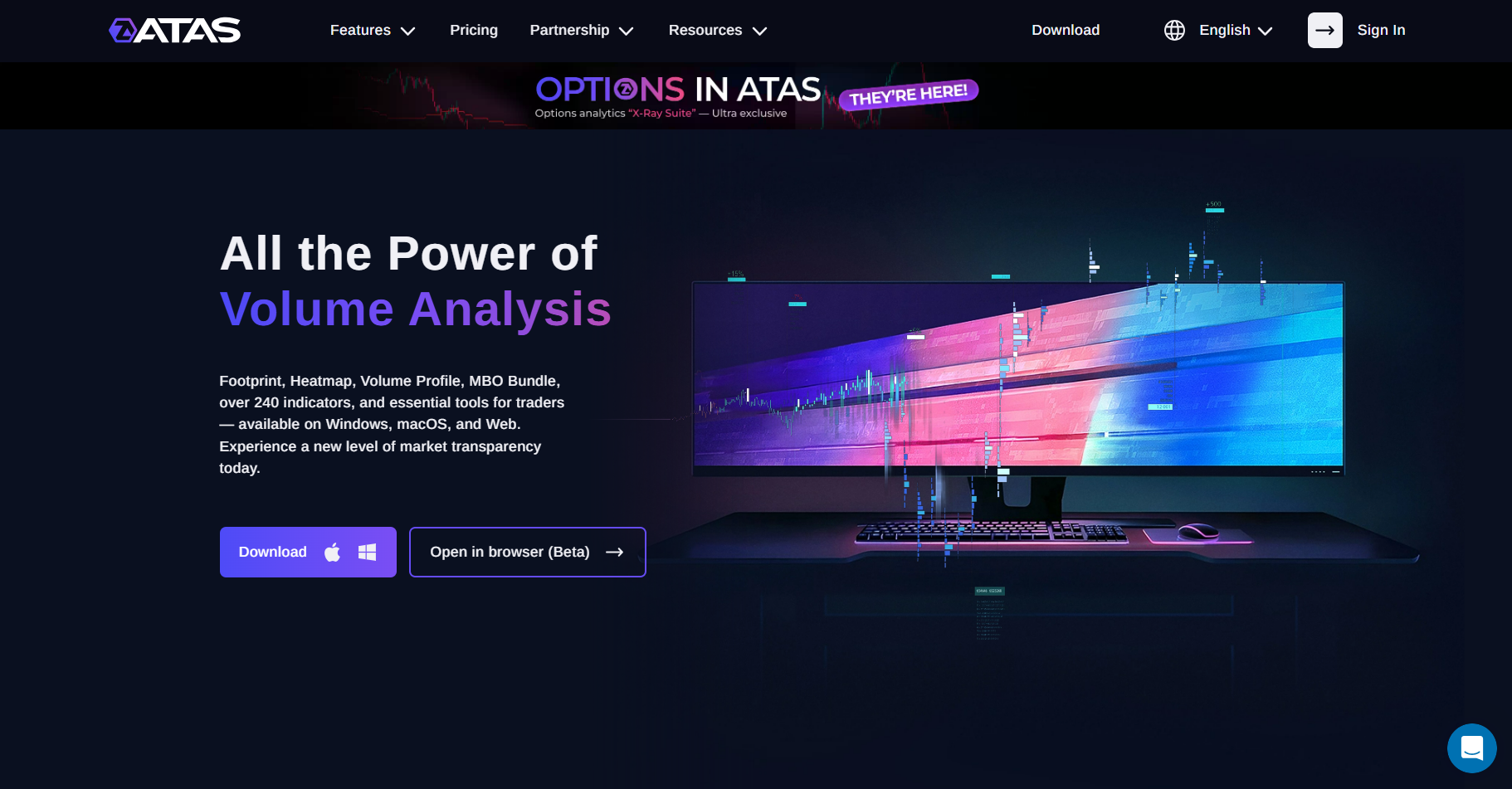
ATAS is a futures trading platform with in-depth volume and order flow analysis tools. You can connect your broker or data provider account through its API and place orders from the chart or DOM (order execution happens on the broker’s side). The classic version runs on Windows, and every plan includes ATAS X, a rebuilt Windows and macOS version.
ATAS is the best futures trading platform on this list for order flow traders because it combines footprint analysis, order entry, and risk limits in one workspace. It covers CME Group, Eurex, and ICE Futures markets through providers such as Rithmic and CQG.
Features for Futures Trading
The ATAS tools most relevant to futures traders include
- Footprint charts with 400+ variations that split each bar into bid and ask volume by price
- Smart DOM with resting orders beside traded volume, plus Smart Tape for the real size of aggressive orders
- A liquidity Heatmap synced with charts and the DOM
- 70+ volume analysis tools and 240+ indicators, including Volume Profile and TPO
- Market Replay with historical order book data
- MBO trackers for icebergs, stop runs, and sweeps (Rithmic data)
- Open interest and Max Pain levels on CME futures charts such as ES and NQ
- Risk Manager with daily loss limits and a Reduce Only mode
- Cross Trading (analyze ES, fill in MES) and a C# API for custom indicators
Pricing
ATAS has four plans. Start is free with no time limit, but futures data arrives 15 minutes late, and there’s a limit of two instruments and three indicators per chart. The Plus plan (€24.95 per month, or €19.95 billed annually) raises those limits and adds Big Trades history.
Real-time futures data starts with Pro: €69.95 per month or €39.95 billed annually. It covers 20 instruments and three active connections. Ultra (€89.95 monthly or €49.95 annually) removes the limits and adds the Options X-Ray Suite. Lifetime licenses cost €999, €1,799, and €1,999. Paid plans have a 14-day trial and a 14-day refund window, and VAT and data fees are not included.
Pros & Cons
| Pros | Cons |
|---|---|
| Footprint, DOM, tape, and heatmap work from the same data | Real-time futures data requires Pro or Ultra |
| Risk Manager, Replay, and Cross Trading cover routine tasks | Most options tools need a Rithmic or Interactive Brokers connection |
| MBO trackers and options levels for CME futures | |
| Free plan with no time limit, plus a 14-day trial |
2. Bookmap: Reading Liquidity on a Heatmap
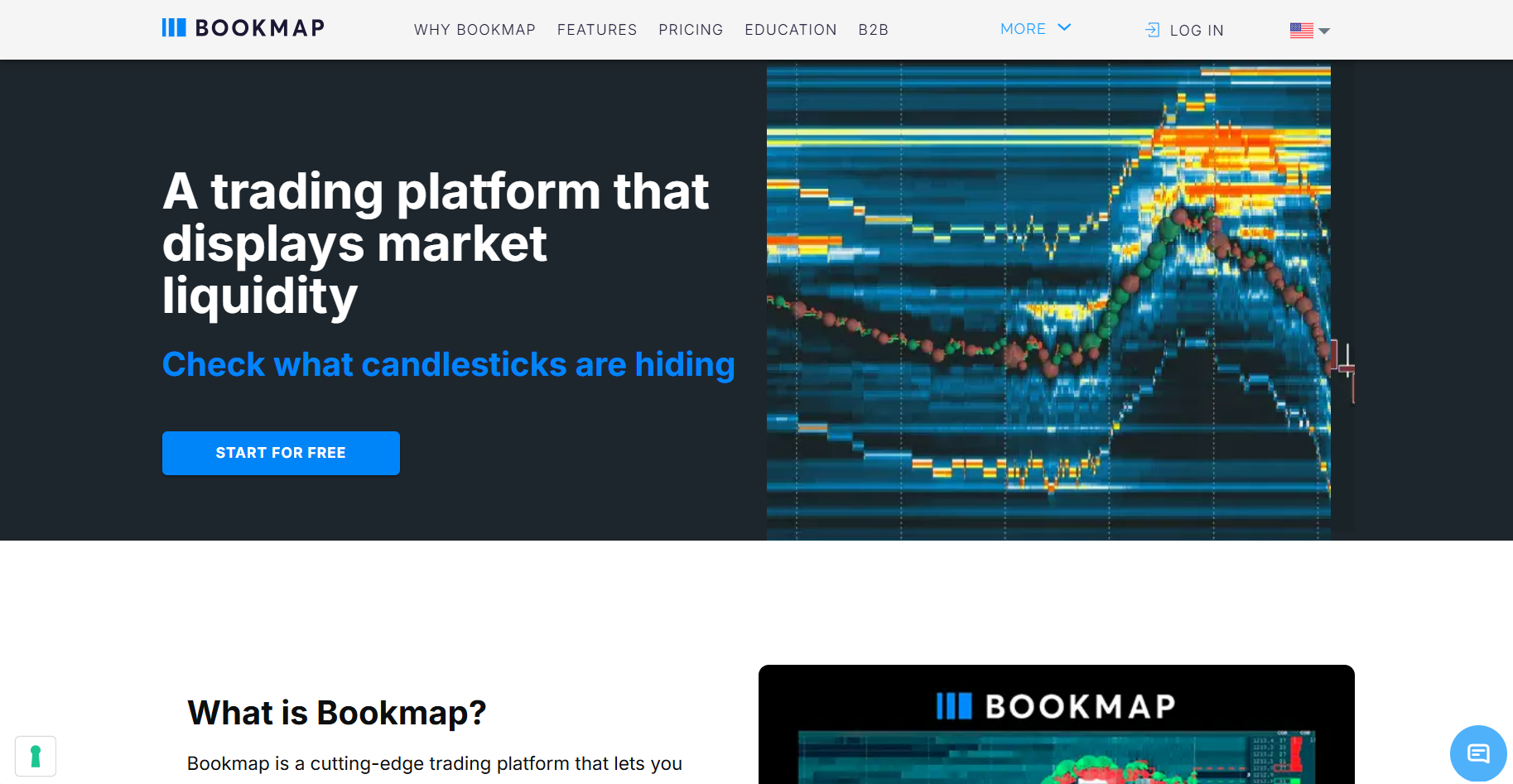
Bookmap is a trading tool that adds a time axis to the order book. As resting orders appear, move, or disappear, the heatmap leaves a visual record of the liquidity your feed displayed at each price. Volume dots overlay trades that actually occurred. If a large offer disappears as the market approaches it, the heatmap and dots help you examine whether trading took place there or the displayed size faded before the price arrived.
The desktop app runs on Windows and macOS, and Bookmap Web works in a browser. For futures data, Bookmap connects to Rithmic, CQG, dxFeed, and its own BookmapData service. It also works with accounts at brokers such as Tradovate and Interactive Brokers.
Features for Futures Trading
Bookmap's core toolkit for futures includes:
- A real-time and historical heatmap of the order book
- Volume dots, cumulative volume delta, and volume profile columns
- Order entry from the heatmap and DOM, plus simulated trading
- Record and replay of market sessions
- Multibook for following several symbols in one view
- About 30 add-ons, such as Footprint, DOM Pro, and stop and iceberg detection
Pricing
The free Digital plan streams real-time crypto data but only delayed futures and stocks. Live futures require Global ($49 per month or $39 billed yearly), Global Plus ($99 or $79), or Global Premium ($199 or $158). You also need Plus or Premium to trade futures directly from Bookmap. Premium adds the full MBO Bundle and SPX options for gamma levels on the heatmap. Lifetime licenses cost $990, $1,990, and $3,990.
Market data is not included in any plan. BookmapData charges $34 per month per futures exchange or $79 for its CME bundle. Other feeds bill separately.
Pros & Cons
| Pros | Cons |
|---|---|
| Heatmap makes order book changes easy to follow | Many tools are add-ons or higher-tier extras |
| Connects to major futures data providers | Global doesn’t allow trading directly from Bookmap charts/DOM |
| Large add-on marketplace | Less suited to classic indicator-based charting |
| Lifetime license on every paid tier |
3. Sierra Chart: Low Fixed Costs and Custom Studies
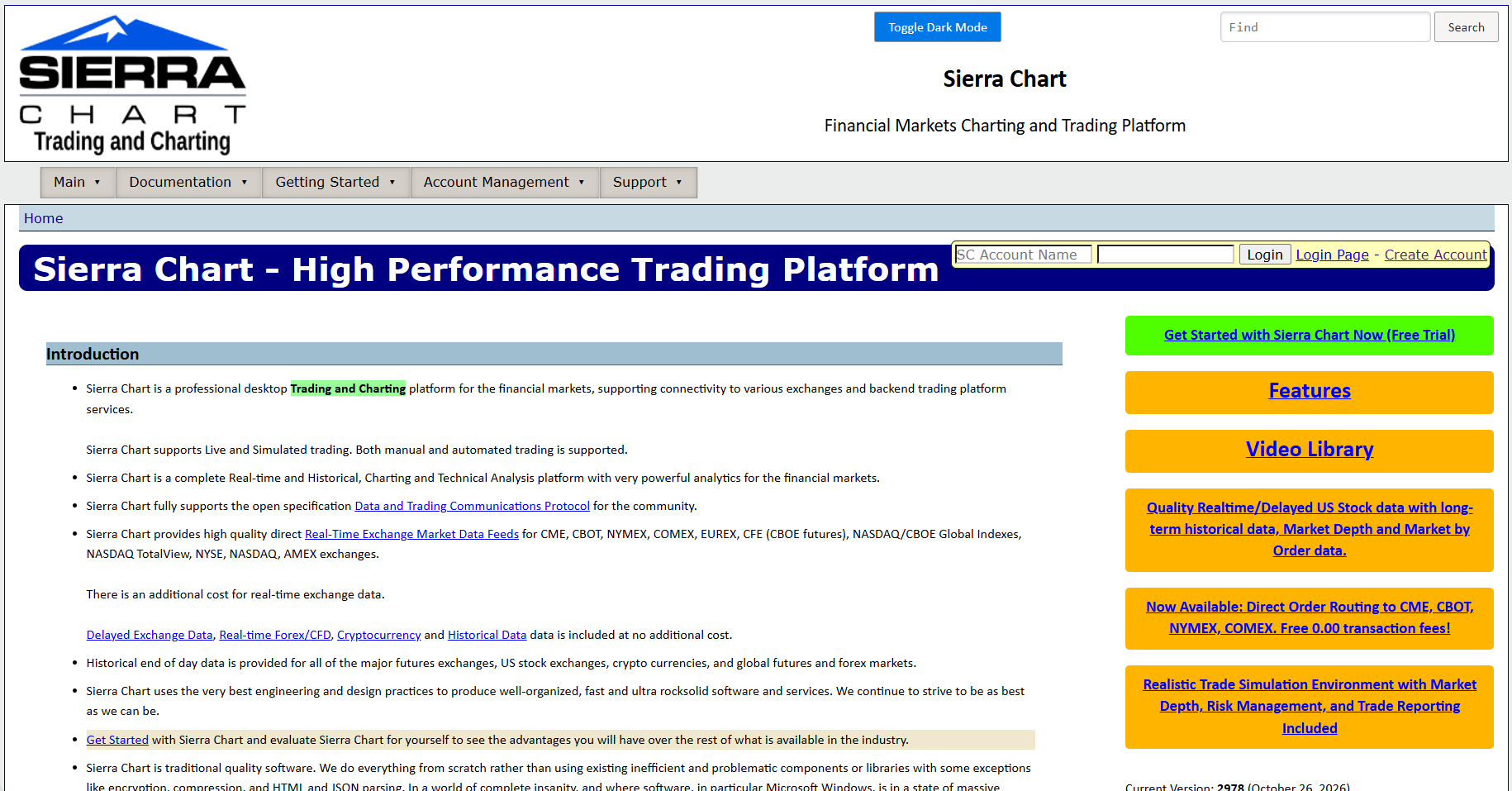
Sierra Chart suits traders who want control over how their data turns into charts. You can define the hours that count toward a volume profile, configure which bid and ask values appear in a footprint, and synchronize a replay across charts. Those controls are handy if you want to compare the same contract’s overnight and regular sessions using consistent settings across several studies.
The company also runs its own Denali Exchange Data Feed and Teton order routing for CME, CBOT, NYMEX, and COMEX, and Teton routing carries no transaction fees. Integrated service packages connect to outside services such as Rithmic, CQG, and Interactive Brokers.
Features for Futures Trading
Futures traders typically work with these Sierra Chart tools:
- Charts with a large library of built-in studies and drawing tools
- ChartDOM, a trading DOM integrated into the chart
- Numbers Bars (footprint) and TPO charts on Advanced Features packages
- Market Depth Historical Graph, which plots past order book depth on the chart
- ACSIL for custom studies and automated systems
- A trade simulation environment with market depth and trade reporting
Pricing
Sierra Chart sells monthly service packages. The two Base packages ($26 and $36) can't connect to external data or trading services, so futures traders usually pick an Integrated package. Package 10 costs $36, Package 11 costs $46 with Advanced Features, and Package 12 costs $56 with Market by Order data. All three include the Denali feed.
Prepaying cuts the price by 15% for three months, 25% for six, and 35% for 12. Sierra Chart bills real-time exchange fees separately.
Pros & Cons
| Pros | Cons |
|---|---|
| Fast, lightweight desktop software | Setup and configuration take time |
| Own data feed and zero-fee order routing | Built for Windows desktops |
| Deep customization through ACSIL and Spreadsheets | Footprint and TPO need Package 5, 11, or 12 |
4. Jigsaw Trading: DOM and Tape Reading
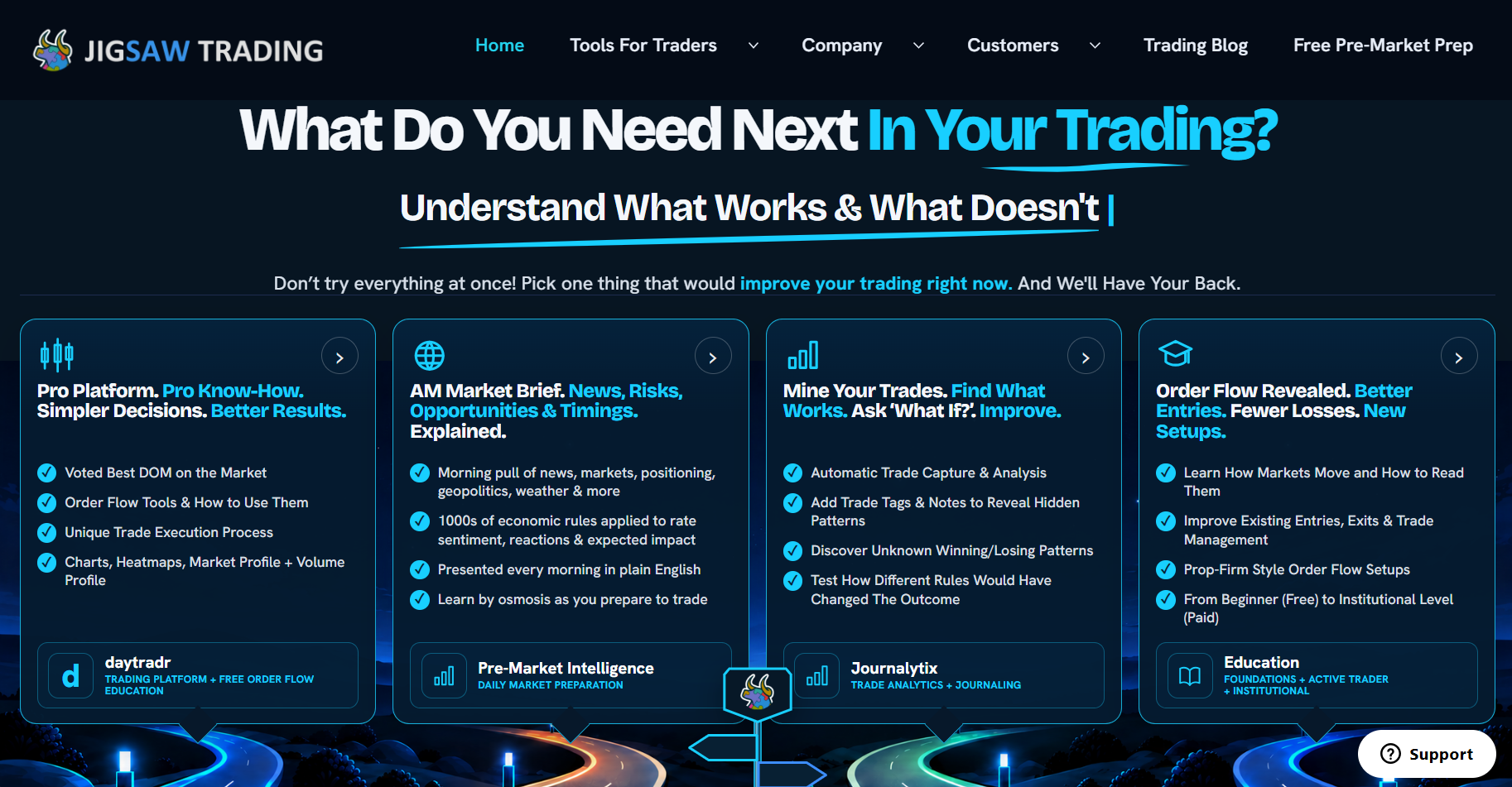
Jigsaw Trading makes daytradr, a standalone platform that puts the price ladder at the center of the screen. Its Depth & Sales window shows how limit orders and market orders meet at each price. The Reconstructed Tape regroups fragmented prints into the full trades behind them.
The daytradr platform connects to CQG, Rithmic, StoneX, Tradovate, Interactive Brokers, and IQFeed. It supports evaluation and funded accounts at Rithmic and Tradovate prop firms, and it runs on Windows.
Features for Futures Trading
The daytradr toolset centers on:
- Depth & Sales, a DOM with built-in Auction Vista shading and power meters
- Reconstructed Tape with alerts for icebergs, block trades, and large trades
- Auction Vista, a heatmap of real-time and historical order flow
- Charts with footprint, reversal footprint, and market profile options
- A trade simulator that models realistic limit order fills and slippage
- Journalytix, a trade journal with a calendar, dashboard, and leaderboard
Pricing
The daytradr Foundation package is a one-time $579 payment that covers the platform and free education. You pay no monthly platform fee while trading in simulation, prop firm evaluations, or paid sim accounts.
Live trading through a broker needs the Active Trader Package at $50 per month or $500 per year. It also brings Pre-Market Intelligence, real-time news, and full Journalytix analytics. The daytradr Institutional package ($1,879) bundles institutional training with one year of Active Trader.
Pros & Cons
| Pros | Cons |
|---|---|
| One-time license with no fee for simulation and prop accounts | Live broker trading costs $50 per month |
| Reconstructed Tape shows true trade size instead of split prints | Fewer chart types than chart-first platforms |
| Education included from the start | Windows only |
| Built-in journal and trade review | No monthly plans (higher upfront costs) |
5. GoCharting: Browser-Based Option for Futures Order Flow
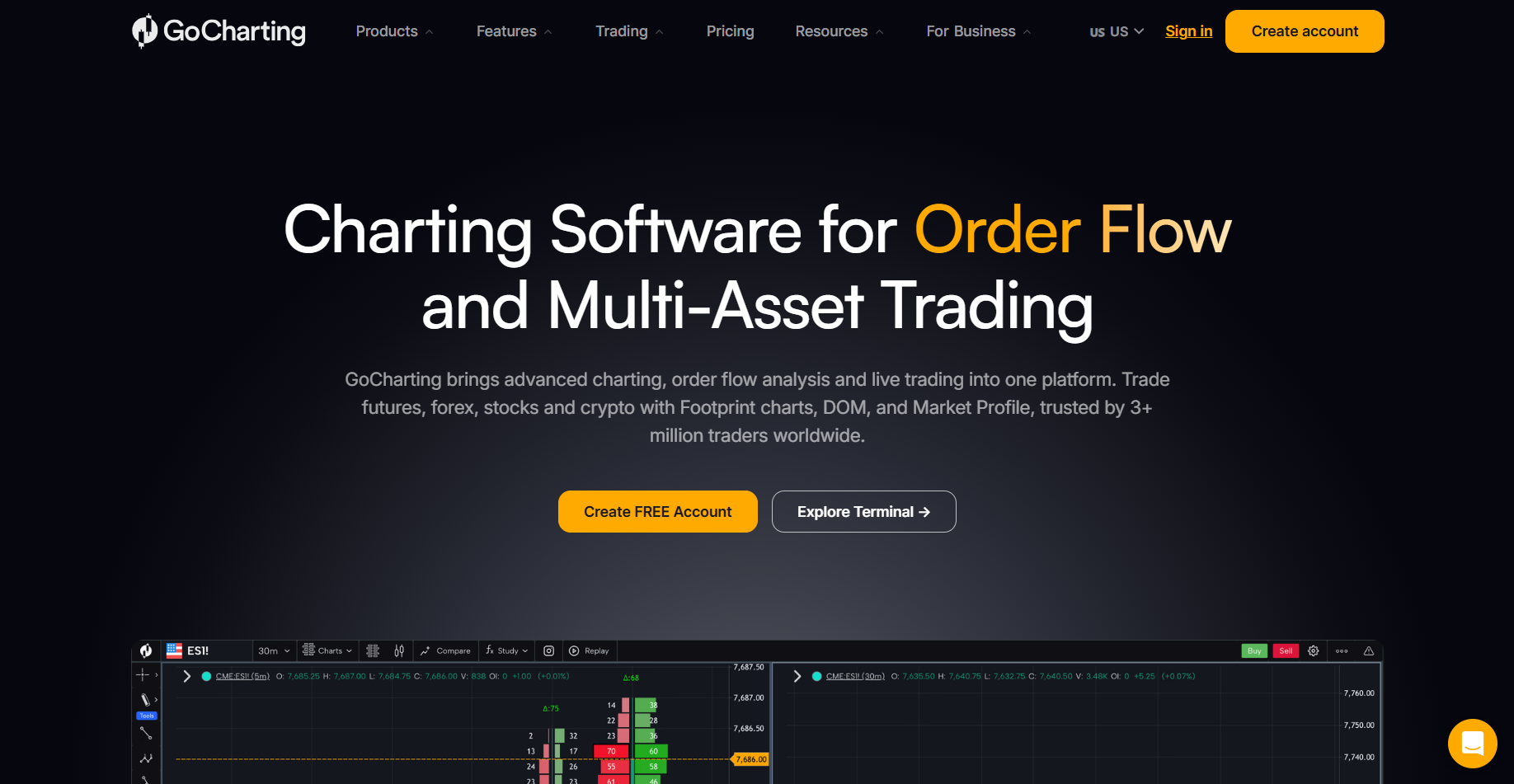
GoCharting runs in a web browser on Mac, Windows, Linux, Chromebook, and iPad, with Android and iOS apps for alerts and trading away from the desk. You don’t need to install anything. GoCharting is a licensed CME Group data provider, so paid plans show real-time tick data from CME, CBOT, NYMEX, and COMEX.
For order entry, it links to US futures accounts through Rithmic, Tradovate, and other supported brokers. It also accepts most prop firm feeds on Rithmic, CQG, and Tradovate.
Features for Futures Trading
Paid GoCharting plans give futures traders:
- Footprint and imbalance charts with 21+ metrics per bar
- Delta, CVD, a DOM, and Time & Sales
- Advanced Market Profile and session, composite, fixed-range, and anchored volume profiles
- Chart trading and watchlist trading through connected brokers
- Bar Replay with up to 15,000 intraday bars
- Lipi scripting, delta-based scanners, and alerts with webhooks
Pricing
The free plan has no time limit and needs no card. It runs on end-of-day data, allows two charts per tab, and leaves out footprint charts, so it suits learning the interface, not live futures trading.
The CME Futures package costs $35 per month, or $30 per month billed annually, with CME exchange data included. Full Level 2 depth requires the separate CME Group Bundle L2 option. Paid plans include a 7-day trial.
Pros & Cons
| Pros | Cons |
|---|---|
| Runs on almost any device | Full DOM depth costs extra |
| Low monthly price with CME data included | Free plan has no real-time futures data |
| Footprint, profiles, and DOM in one plan | Order flow tools are limited to paid plans |
6. NinjaTrader: An All-in-One Broker and Platform
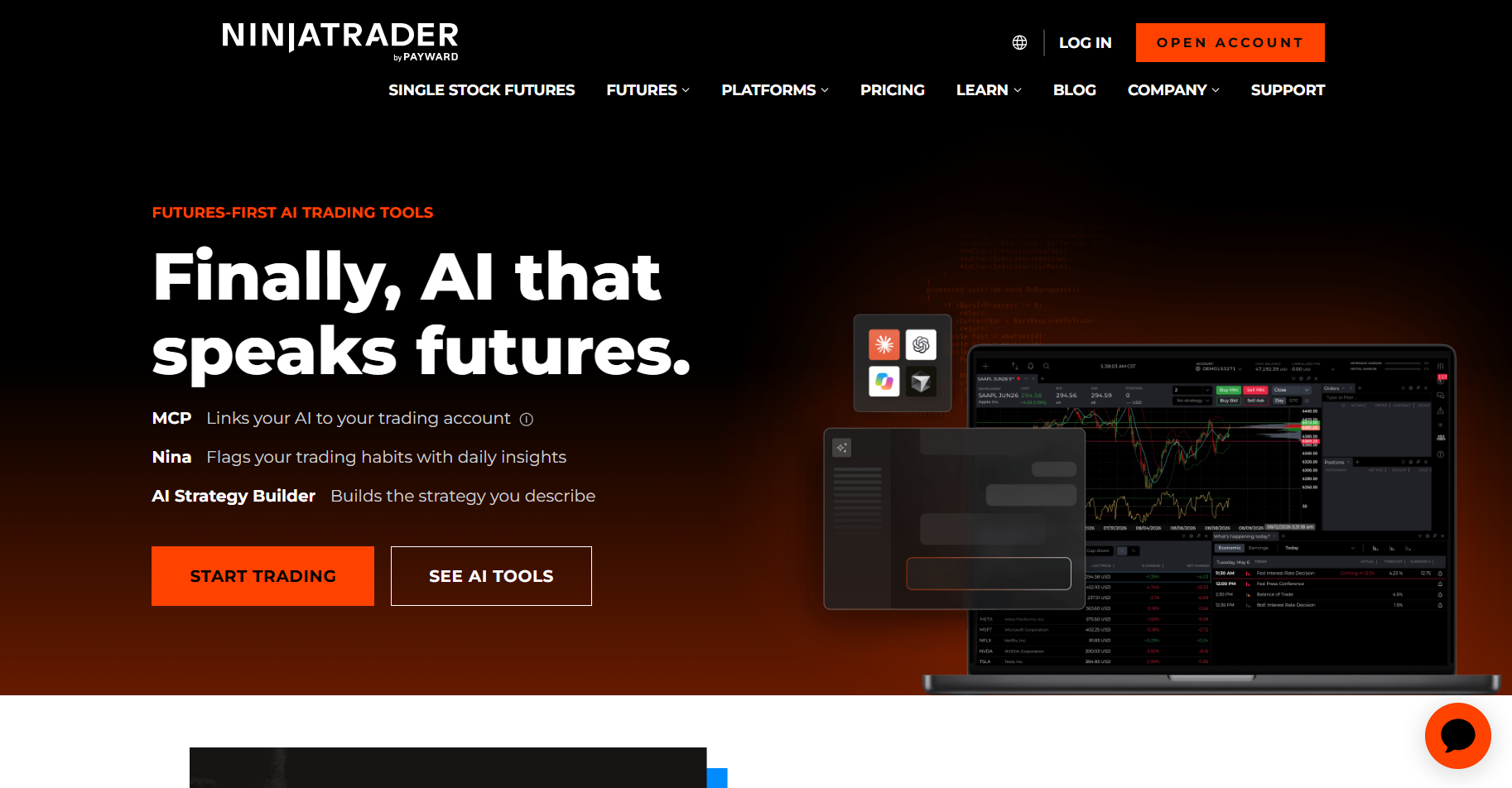
NinjaTrader combines a futures brokerage with a trading platform that has desktop, web, and mobile versions. Charting, backtesting, and simulated trading are free with no time limit. To access real-time market data, order flow charts, market replay, and other advanced features, you need to fund your account. Live trading runs through a NinjaTrader brokerage account, and your plan sets the commission rate.
The Windows desktop platform holds most of the advanced tools. Its SuperDOM handles point-and-click order entry, and ATM strategies attach stop-loss and profit-target orders as soon as an entry fills.
Features for Futures Trading
Core NinjaTrader tools for futures traders:
- SuperDOM with customizable columns and quick order entry
- ATM strategies for automatic OCO brackets and trailing stops
- Chart Trader for placing orders directly on charts
- Order Flow+ with volumetric bars, volume and market profile views, and VWAP
- Market Replay, synchronized tick-by-tick across the platform
- Strategy backtesting and NinjaScript, a C# framework for custom indicators and automated strategies
- 100+ built-in technical indicators
Pricing
NinjaTrader has three plans for live futures trading. Free charges no plan fee, with commissions of $0.39 per side on micro contracts and $1.29 on standard ones. Monthly costs $99 and cuts those rates to $0.29 and $0.99, while Lifetime ($1,499 one-time) brings them down to $0.09 and $0.59.
Exchange, clearing, and NFA fees apply on every plan. Real-time data, Market Replay, and Order Flow+ become available once your account is funded, and Level 1 data for the four CME Group exchanges costs $12 per month. Connecting the desktop platform to another broker requires a $99 monthly multi-broker add-on.
Pros & Cons
| Pros | Cons |
|---|---|
| Free charting, backtesting, and sim with no time limit | Real-time data and Order Flow+ need a funded account |
| Broker and platform in a single account | Desktop version runs on Windows only |
| ATM strategies automate bracket orders | Outside brokers require a paid add-on |
| Large NinjaScript ecosystem of add-ons | Workspaces and NinjaScript take time to learn |
7. Tradovate: Cloud-Based Option for Trading on Any Device
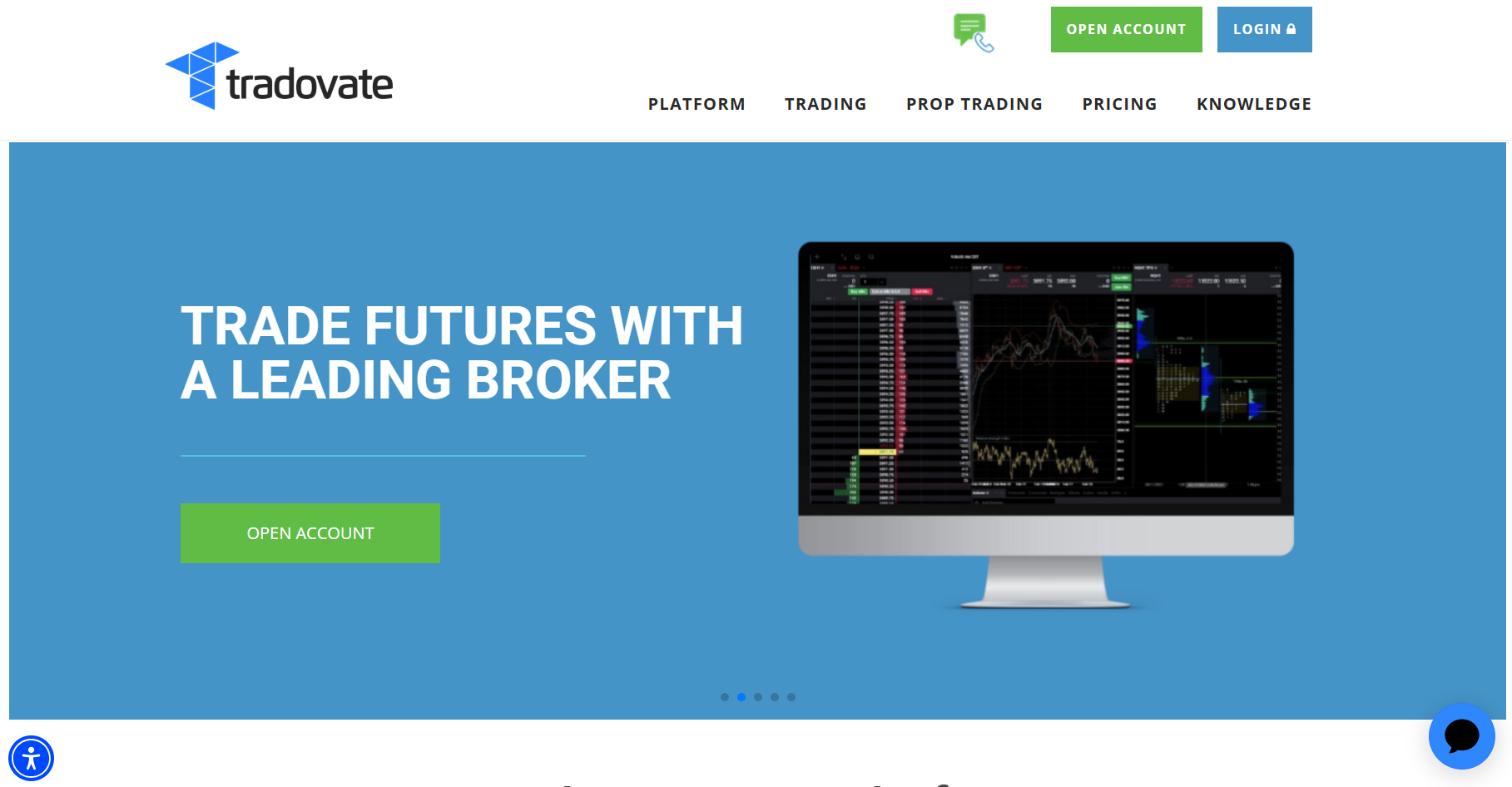
Tradovate is a futures brokerage with a cloud-based platform and is part of NinjaTrader Group. It works on desktops, tablets, and phones, so it doesn't depend on a Windows machine. Accounts cover index, interest rate, metals, energy, and grain futures, plus options on futures in full, mini, and micro sizes.
Many futures prop firms issue Tradovate accounts. Several platforms in our list, including Jigsaw Trading, GoCharting, and Bookmap, can connect to them.
Features for Futures Trading
Every Tradovate plan includes:
- A cloud platform for browser, desktop, and mobile
- 40+ trading tools designed for futures
- Market Replay, Order Flow+, and the Pulse indicator
- Free simulated trading
- An API for trading and data access in any programming language
- Access to NinjaTrader's desktop, web, and mobile platforms
Pricing
Tradovate uses the same three-plan structure as NinjaTrader. Free has no plan fee and charges $0.39 per side on micros, $1.29 on standard contracts, and $0.20 on nano and event contracts. Monthly costs $99 and lowers those rates to $0.29, $0.99, and $0.15.
Lifetime costs $1,499 upfront and drops commissions to $0.09, $0.59, and $0.05. Exchange, clearing, and NFA fees still apply. Real-time data needs an approved, funded account, though any deposit amount qualifies.
Pros & Cons
| Pros | Cons |
|---|---|
| Works on Mac, PC, tablet, and phone | Futures and options on futures only |
| Market Replay and Order Flow+ included in all plans | Tied to the Tradovate brokerage |
| No platform license fee on any plan | Fewer specialist order flow tools |
| Accepted by many prop firms | Paid plans pay off only at higher trading volume |
8. Quantower: Multi-Broker Setups
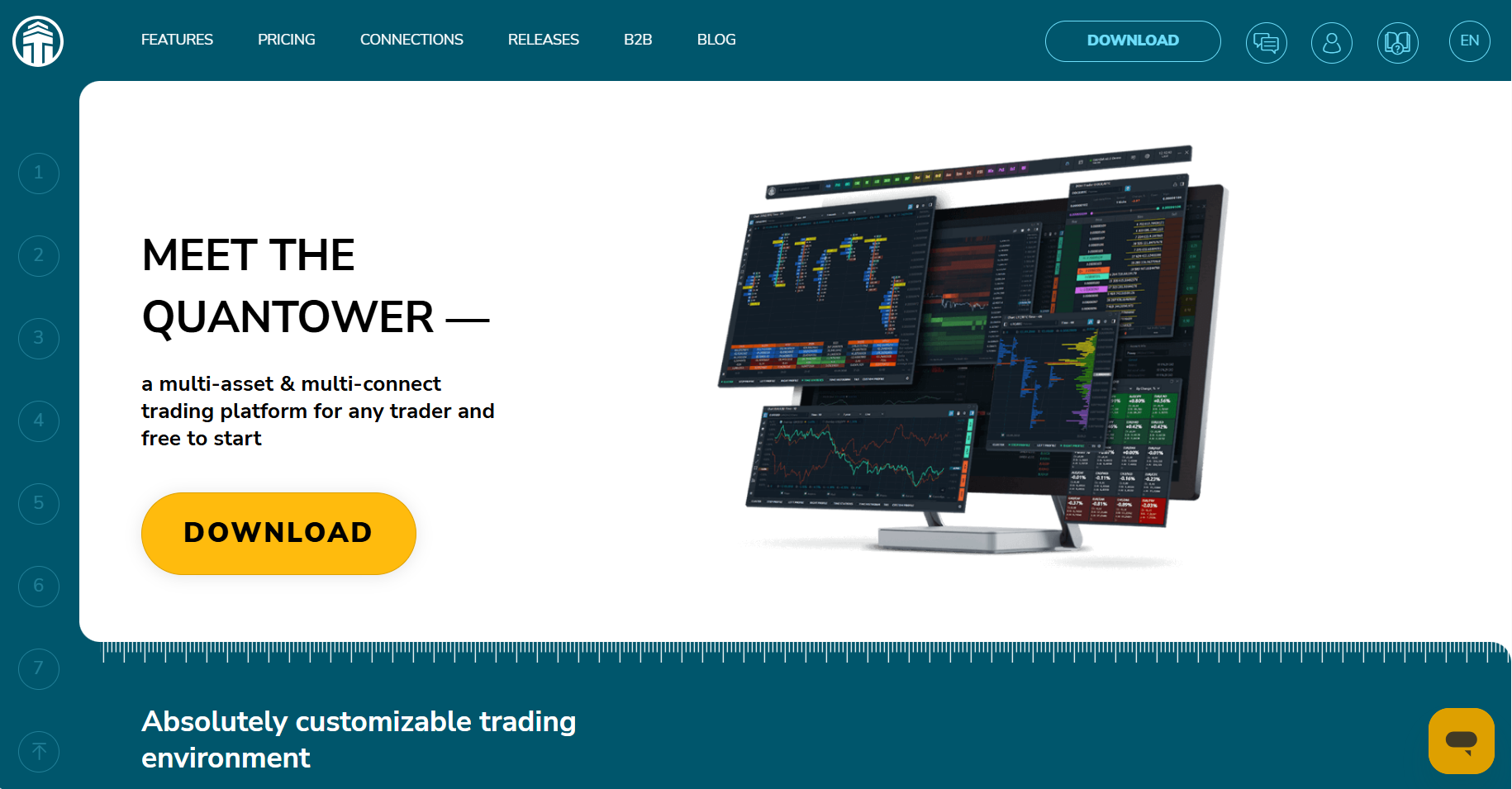
Quantower is a Windows trading platform with 60+ connections and 40+ trading and analysis panels. For futures, it connects to Rithmic, CQG, and other providers. Prop firm accounts can be connected through Rithmic or dxFeed. The same workspace can also run Interactive Brokers for stocks, forex brokers, and crypto exchanges at the same time.
Licensing is modular. You can start free, pay for individual extensions, or buy the full All-in-One license.
Features for Futures Trading
Here’s what Quantower offers for futures trading:
- DOM Trader, with Market by Order mode on Rithmic connections
- DOM Surface, a heatmap of order book changes
- Volume Analysis with cluster charts, volume profiles, and time statistics
- TPO Profile chart
- Market Replay and a trading simulator
- Copy Trading between accounts, including from CQG to Rithmic
- Strategies Manager and an open C# API for custom tools
Pricing
The free version needs no registration and covers basic trading with some limits. Extensions such as Volume Analysis, DOM Surface, and TPO Profile are paid add-ons that can be purchased one at a time. The All-in-One license includes everything for $70 per month, with 10%, 20%, and 30% off for 3-, 6-, and 12-month terms. A lifetime license is also available for $1,690.
A 7-day full-featured trial opens after registration. Quantower refunds first orders within 10 days, except lifetime licenses, and no license includes third-party market data.
Pros & Cons
| Pros | Cons |
|---|---|
| 60+ connections that can run at once | Windows only |
| Modular pricing for specific tools | Order flow tools need a paid extension or license |
| Copy trading across accounts and connections | Lifetime licenses can't be refunded |
| Futures, stocks, forex, and crypto side by side | Many panels and settings to configure |
How Do You Choose a Futures Trading Platform?
Run through this quick checklist before paying for a license:
- Match the connection. Make sure the platform is compatible with your broker or prop firm feed, whether that’s Rithmic, CQG, or something else.
- Consider the total monthly price. Data feeds, exchange fees, and commissions can be higher than the cost of the license itself.
- Demo the feature you’ll use most. If you’re a footprint trader, open the charts. If you prefer the DOM view, open order entry and start trading in simulation.
- Confirm compatibility with your OS. The majority of order flow–based platforms are Windows-centric, which leaves Mac traders with limited native options.
- Factor in risk controls. Daily loss limits, brackets, and max position sizes become important when it’s your own money at risk.
- Take advantage of the free trial. Platforms usually offer 7- or 14-day trials that can be used to trade in simulation.
FAQ
What Is the Best Platform to Use to Trade Futures?
ATAS is the best platform to use for futures trading, especially if you rely on order flow and volume analysis. You can monitor 400+ footprint variations, Smart DOM, Smart Tape, and a heatmap before executing orders through a broker. NinjaTrader and Tradovate are suitable if you’d like to consolidate your broker and trading platform in one ecosystem.
Can You Trade Futures for Free on a Platform?
Yes, with conditions. ATAS, Bookmap, GoCharting, and Quantower have free versions you can download for analysis purposes, but you’ll need to purchase a paid plan to receive real-time futures data. NinjaTrader and Tradovate don’t charge a plan fee on their Free plans, but they will earn commissions on every trade you execute. Exchange data fees are a separate expense to consider.
Which Futures Platforms Support Prop Firm Accounts?
Most of them do, provided the platform supports your firm's connection. ATAS, Bookmap, Jigsaw Trading, and Quantower are compatible with Rithmic feeds. Jigsaw Trading, GoCharting, and Bookmap accept Tradovate accounts as well. If your prop offers a preferred platform, they will usually have that information on their website. Check with your firm before purchasing a license.
Is There a Good Futures Trading Platform for Mac?
Yes! ATAS X runs natively on macOS. Bookmap has a desktop app for macOS as well. GoChartingTrader and the Tradovate platform can both be accessed through your web browser, meaning you can use them on your Mac with no additional software.
Which Futures Trading Platform Is Best? Our Verdict
ATAS is the best platform for futures traders who make decisions from volume and order flow. All analysis, order entry, and risk limits are in one workspace.
The others make sense in narrower cases. Bookmap is designed for heatmap trading, Sierra Chart has low fixed costs, Jigsaw Trading is geared towards DOM scalpers on prop accounts, GoCharting allows for browser access, NinjaTrader and Tradovate work best for those with one account per broker and platform, and Quantower works well for multi-broker trading. Run any of these programs in simulation before you connect a funded account.